
Manual steps to remove dotnet agent components

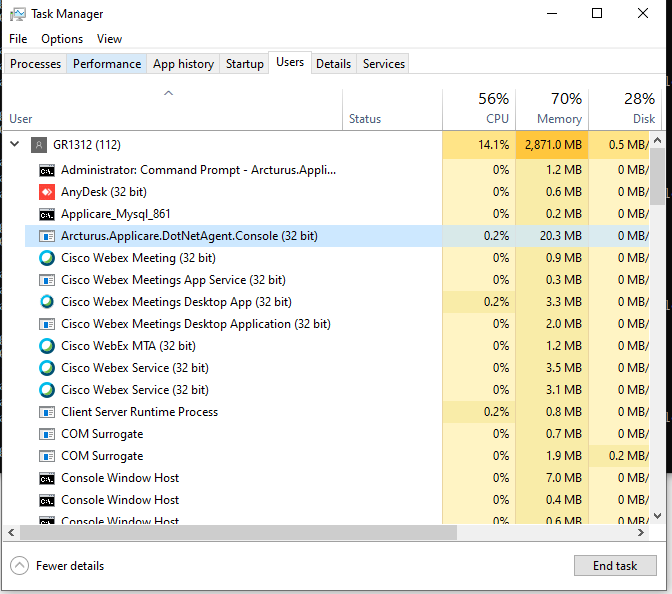
1 - Stop the process Arcturus.Applicare.DotNetAgent.Console.exe in task manager if it is running.
2 - Execute the command in cmd window - C:\WINDOWS\System32\inetsrv\appcmd.exe delete module ApplicareAgentProxy

3 - Delete the Applicare_agent site in IIS
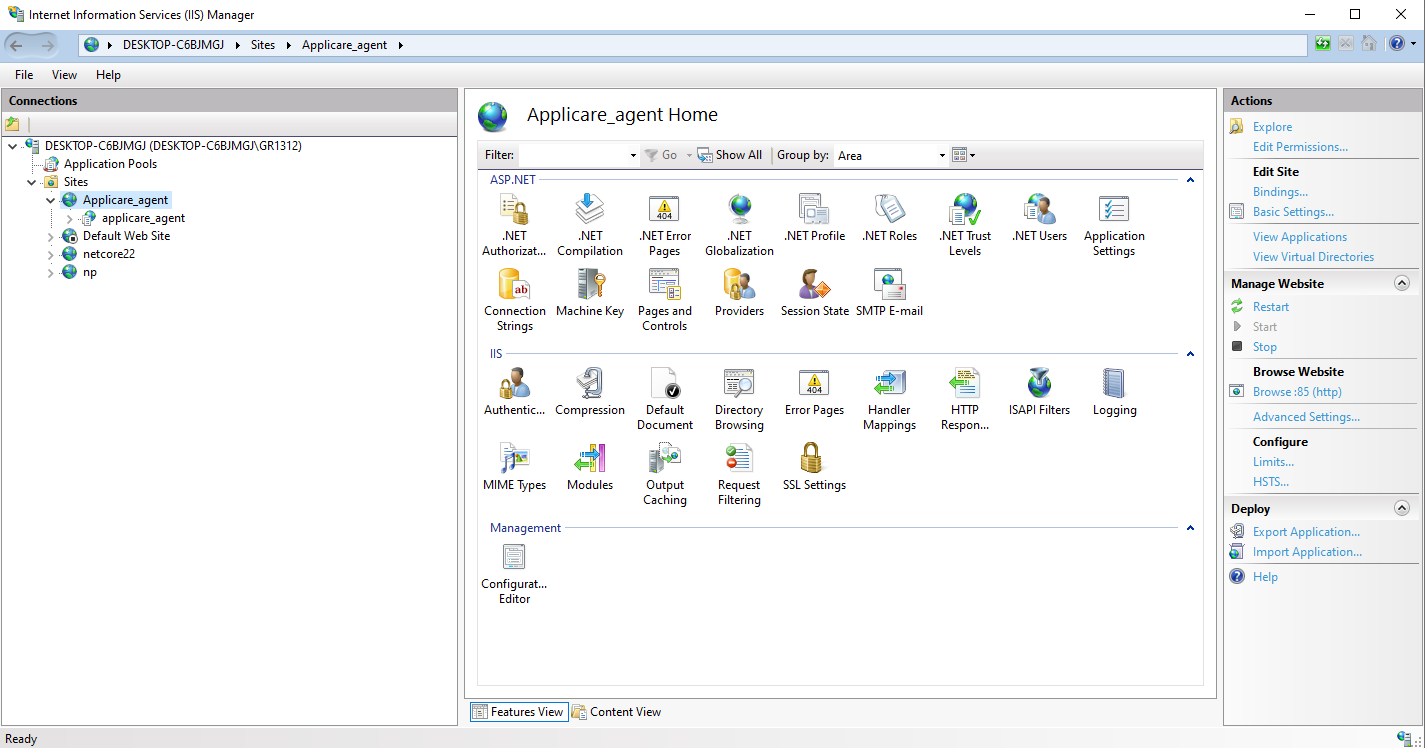
4 - Delete ProfilerAppPool from Application Pools in IIS

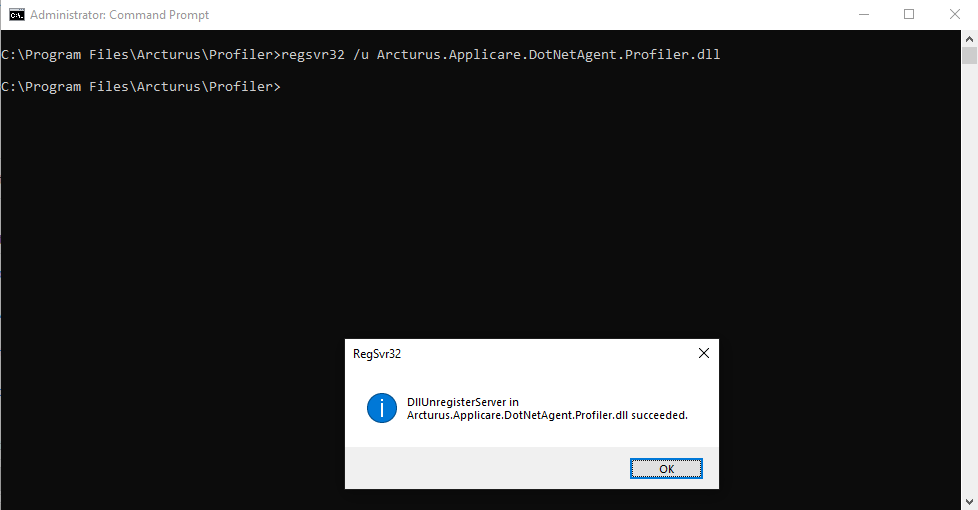
5 - Run the cmd - regsvr32 /u Arcturus.Applicare.DotNetAgent.Profiler.dll from the path <AGENT_HOME>. (We can ignore this step if it fails.)
6 - Find the data path configured in ConfigManager.exe in the directory <AGENT_HOME>\Profiler and delete that datapath directory.
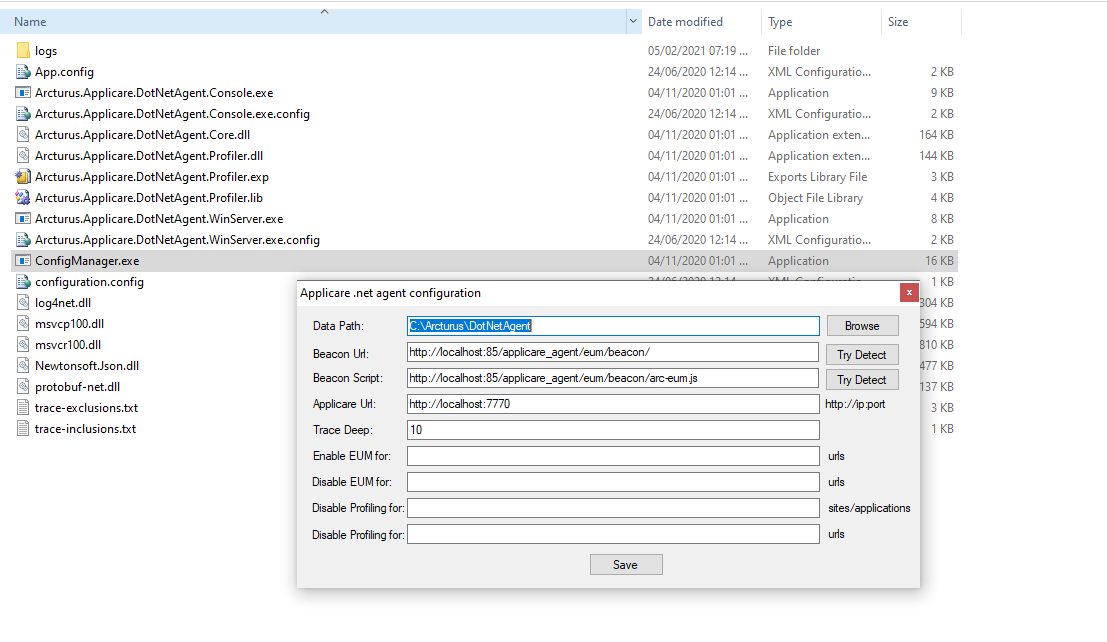
7 - Delete the directory where agent is installed i.e <AGENT_HOME>
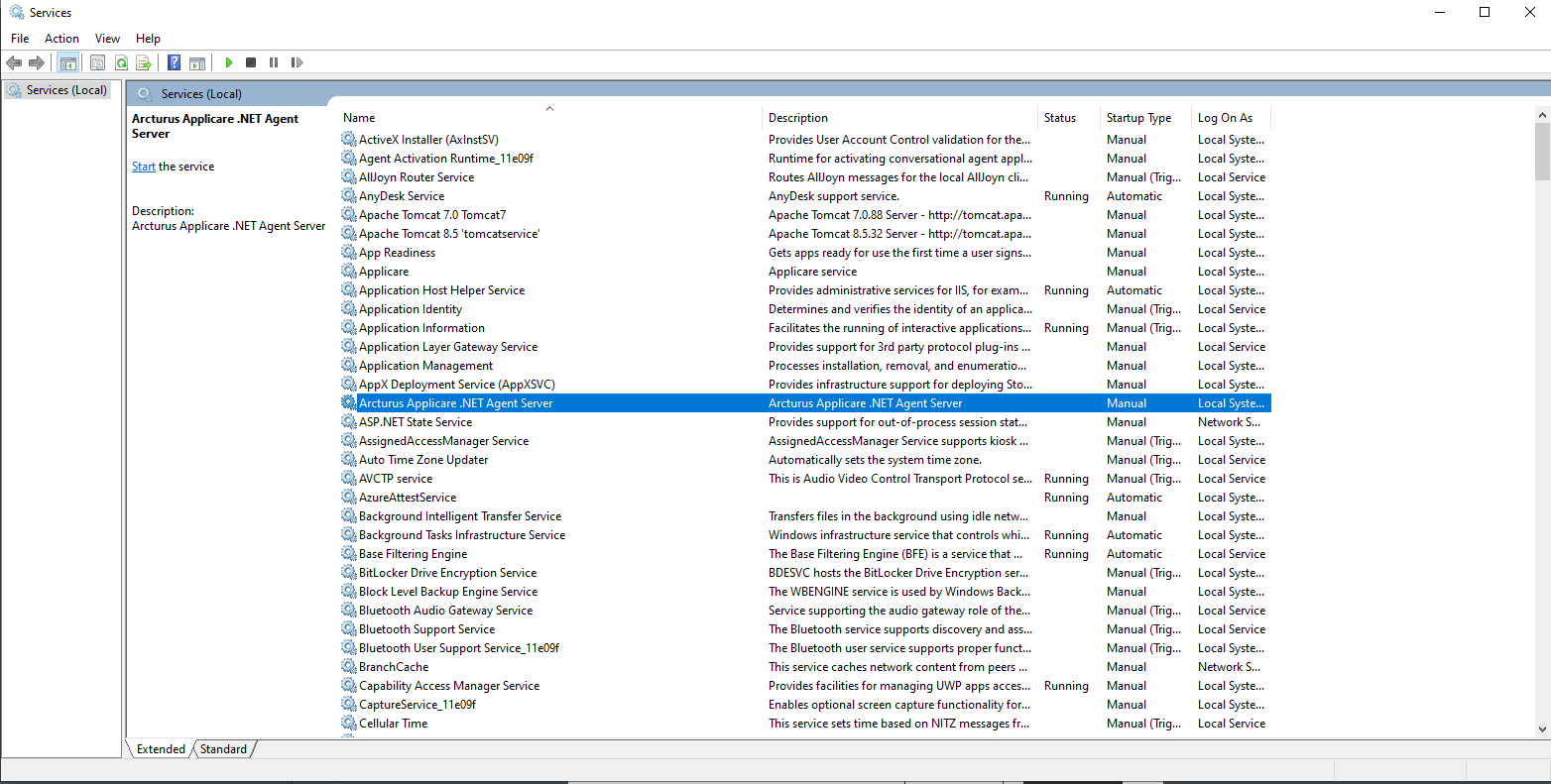
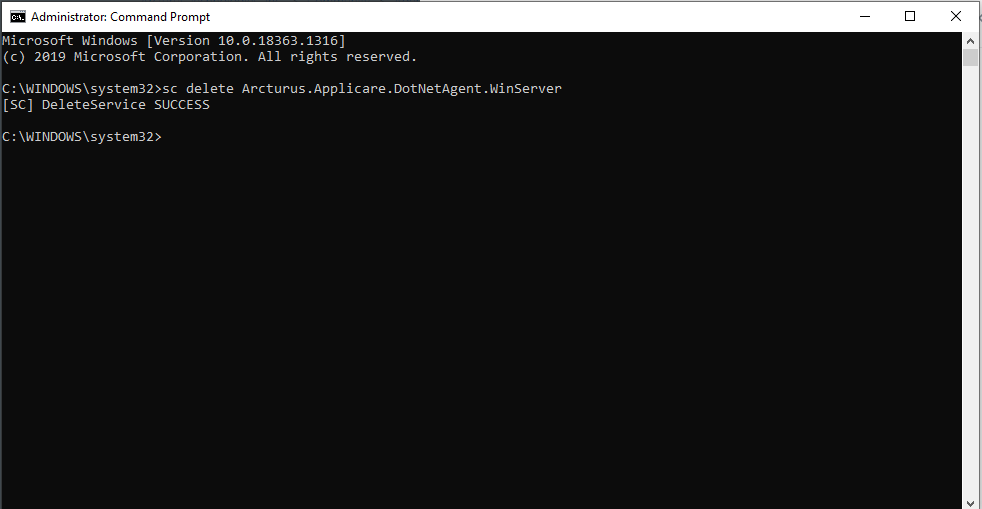
8 - Stop the service "Arcturus.Applicare.DotNetAgent.WinServer" in Services. Then, run the command sc delete Arcturus.Applicare.DotNetAgent.WinServer
Please sign in to leave a comment.
Comments
0 comments