
Add and monitor snmp device in applicare dashboard

1. In the Overview screen click the "Add server" button.

2. In the Add server popup do the below steps.
- Enable "IS SNMP Agnet" option.
- Enter the Device name.
- Enter the Host name. Which we have configured in the Inbound Rules. (Refer Point 24)
- Select "Standard" option in the MIB Organization.
- Click "Apply" to save the settings.

3. Configure a new Dashboard with Sensor analyzer.
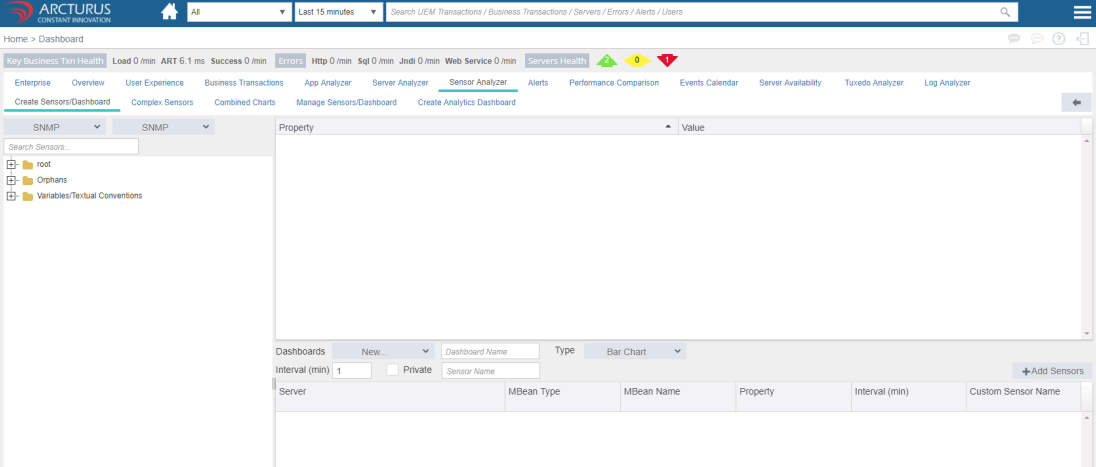
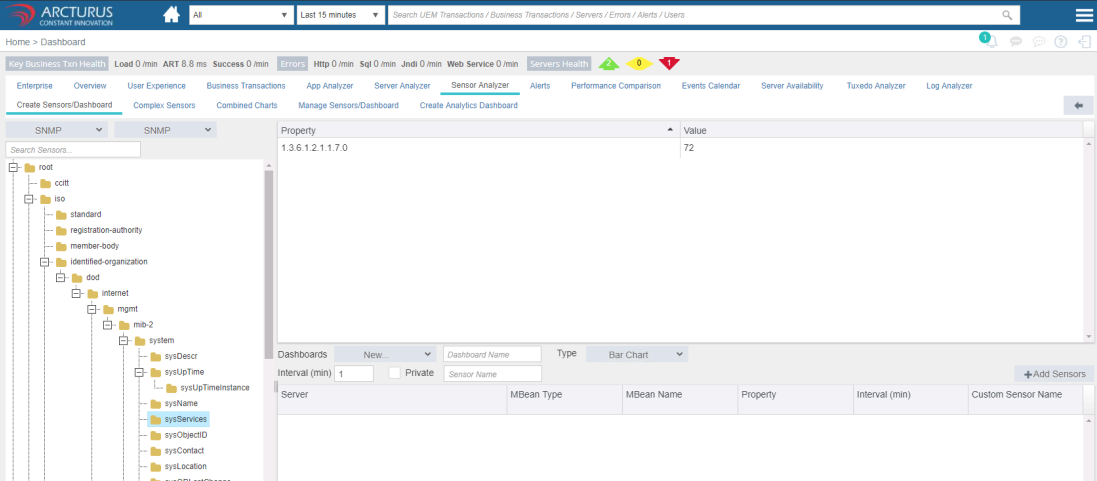
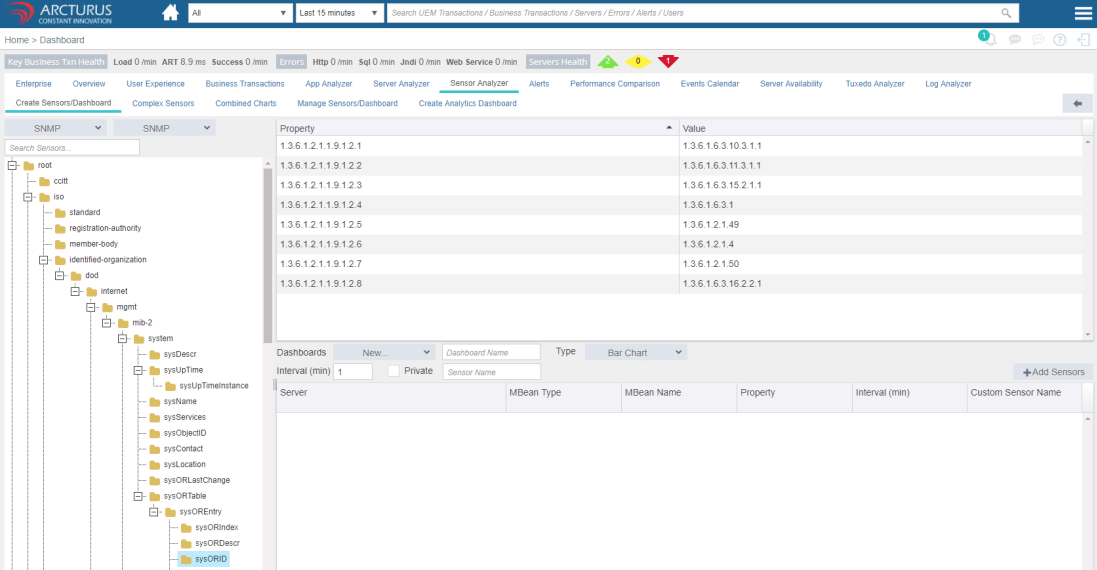
4. Adding Sensors as a Custom Dashboard.
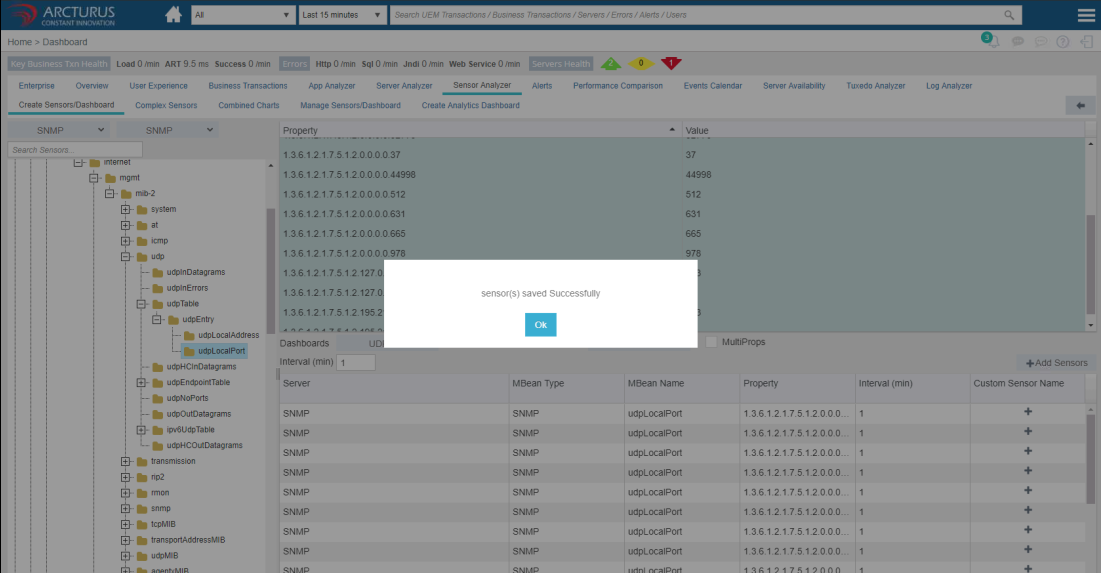
Adding UDPLocalPort connections
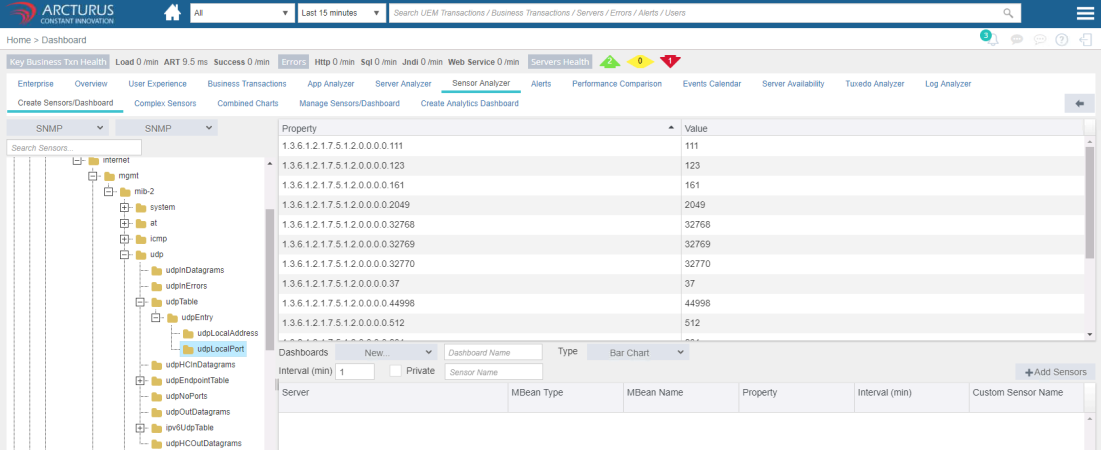
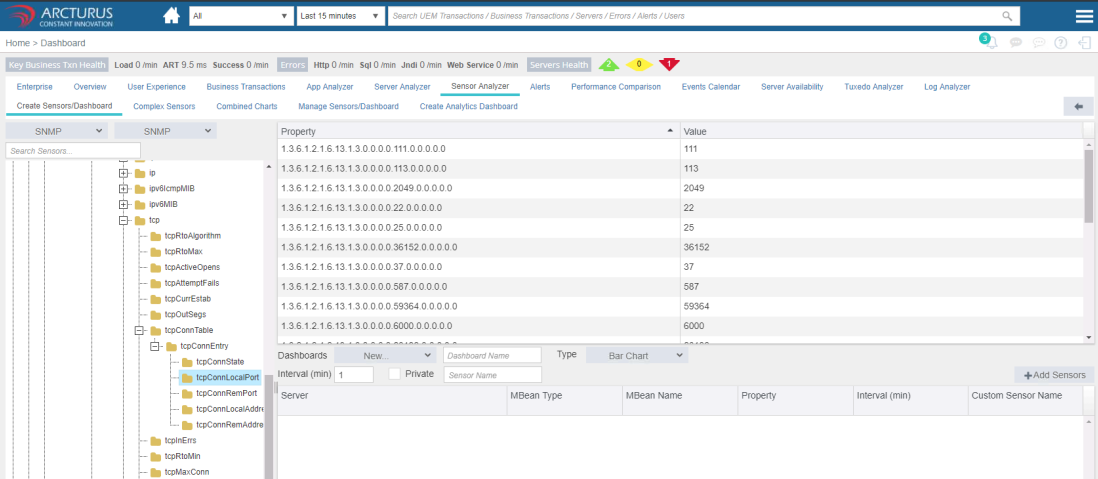
Adding TCPLocalPort connections

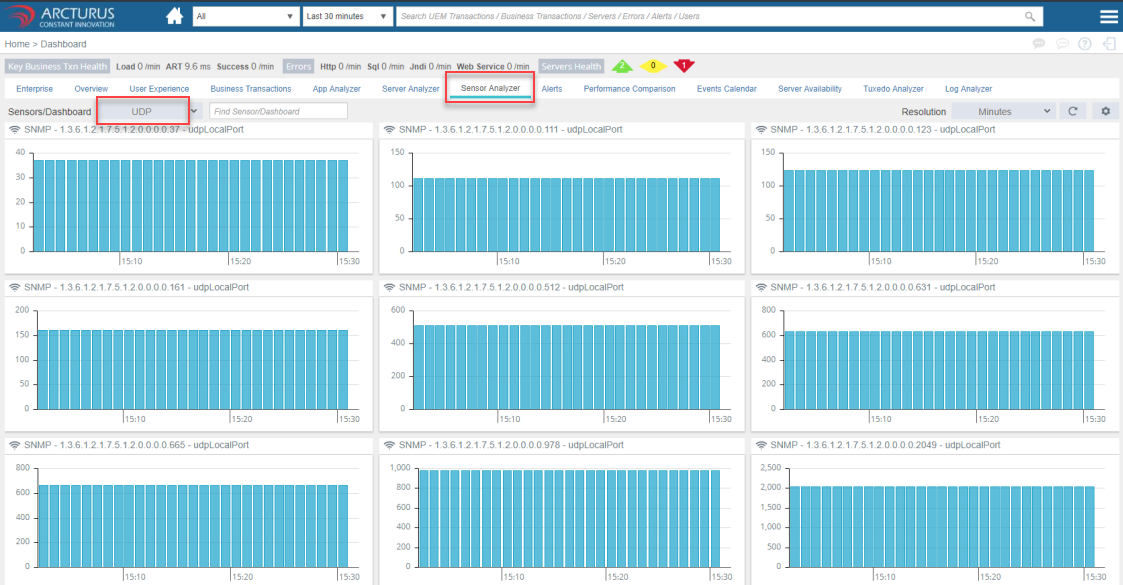
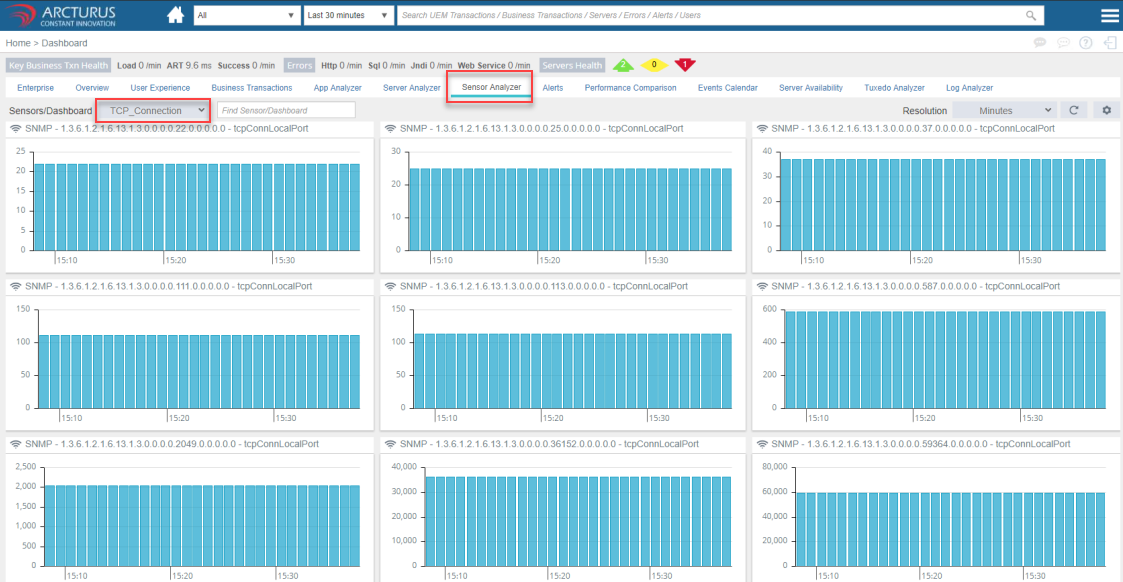
4. Monitoring Sensors Dashboard
Please sign in to leave a comment.
Comments
0 comments