
To connect Derby Database

1. Go to the machine where you deployed Applicare and open the path <ApplicareserverHomedirectory>/javadb/bin.
2. Double click the "ij.bat" file. A derby command window will be opened. 
3. In the Applicare browser console go to Applicare Information -> Applicare Properties

4. Copy the value of the applicare.dburl from "jdbc" to before ";".

5. Go the derby command window and paste the below command and replace the "<copiedurl>" with the URL you copied and press enter.
- connect '<copiedurl>';
For Example: In my above case the command will be
connect 'jdbc:derby://localhost:1527/C:/Applicare755/database/applicare';
If it's connected successfully then you will be able to see the below details.
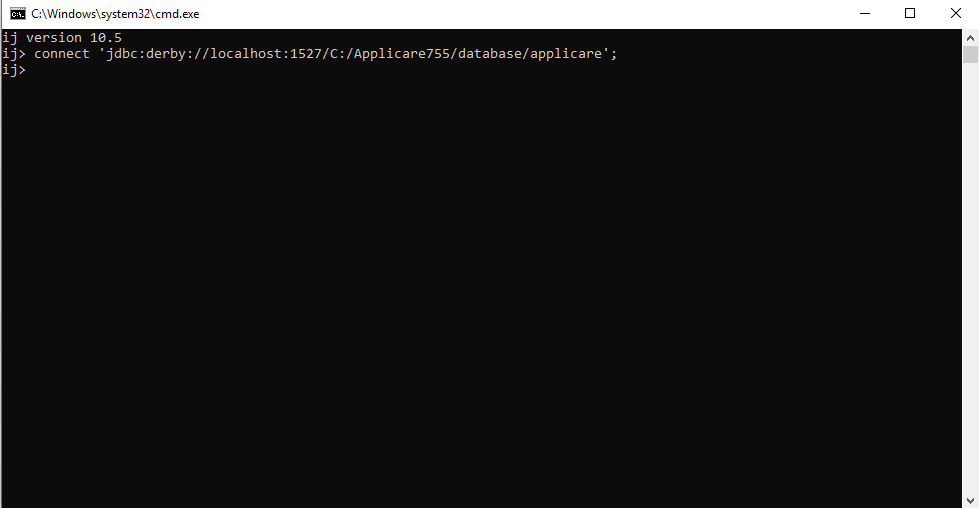
6. Enter the test query and press enter.
- select * from server;
If there is a result then you will see the details as below.

If there is no result then you will see the details as below.

7. Likewise, you can check for other needed queries.
Please sign in to leave a comment.
Comments
0 comments